Inventory and cleanup
Find out what is already running, and on whose login
Useful little workflows accumulate. Someone connects a form to a spreadsheet, someone else adds a rule that moves files, and a year later nobody can say what runs, what it touches, or whose account it authenticates as. This is one pass over that pile, producing a written register, an owner for each entry, and a list of what to switch off. I do not stay on afterwards to watch it.
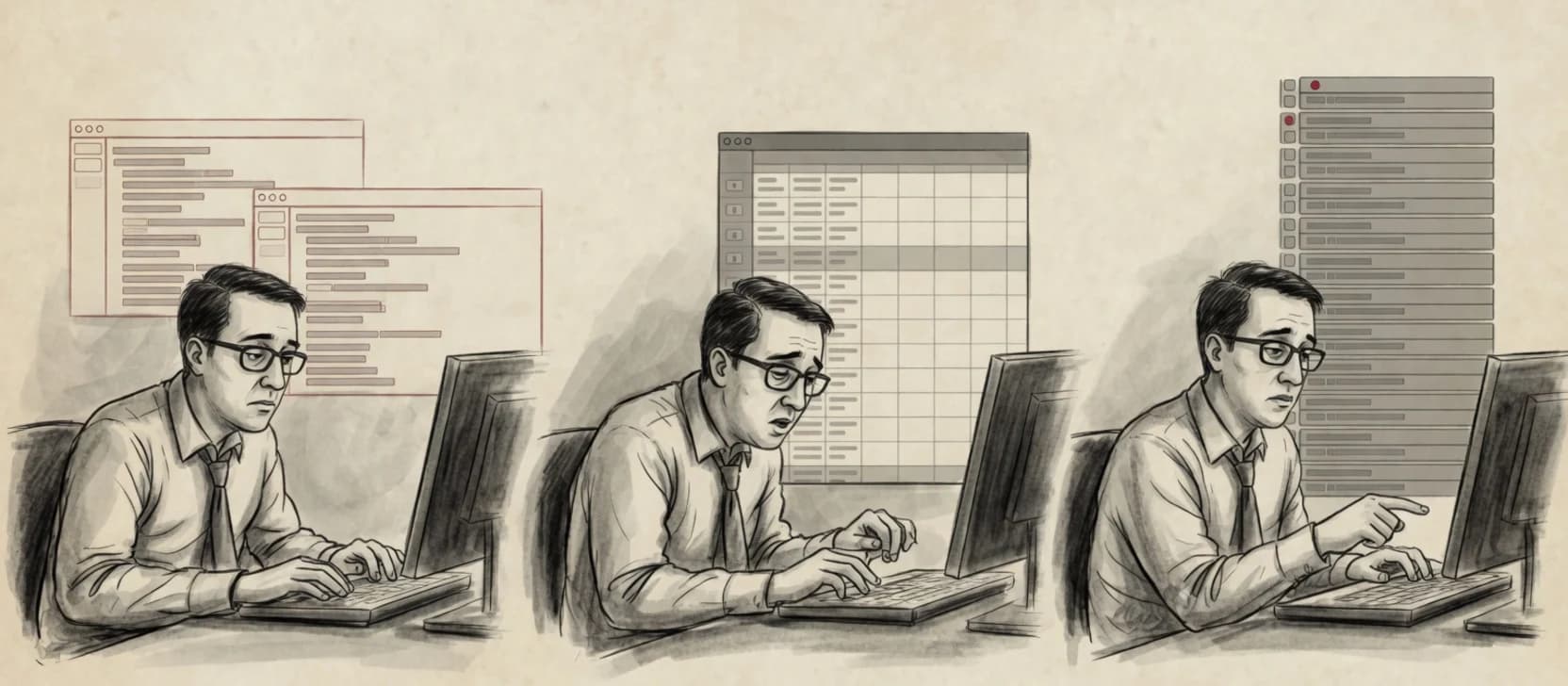
One pass, one register
A written inventory of what runs, what it touches, what it authenticates as, and who owns it.
Departed logins surface
Workflows running as someone who has left, or as a personal account, are called out by name.
A decommission list
You get a ranked list of what to retire, what to rebuild on a proper account, and what is fine as it is.
Handed over once
The register is yours on a written date. I hold no access after it and no alert routes to me.
Chapter 01
Map the work
Start with the process, not the tool
01
Find what exists
Walk the platforms in use, the connectors authorised against your tenant, and the rules living inside individual mailboxes — the last of these is where the surprises usually are.02
Name the owner and the identity
For each one, record who understands it, who benefits from it, and which account it actually runs as. Those are frequently three different answers.03
Find the silent failures
Identify which workflows would fail without telling anyone, and which downstream work would quietly stop being done.
Zoevin’s automation service is new and has not delivered a client engagement yet. My experience comes from building automation in salaried in-house roles.
Chapter 02
Build the right path
A bounded workflow with an owner
01
Build the register
One entry per workflow: purpose, trigger, systems touched, identity used, named owner, and what happens if it stops.02
Rank the exposure
Sort by what would hurt: workflows on departing or personal accounts, ones touching records you cannot reconstruct, and ones nobody can explain.03
Write the decommission list
Recommend, per entry, retire, rebuild on a service identity, or leave alone — with the reason written next to each.
Chapter 03
Prove and hand over
Acceptance is more than a happy path
The register is complete enough to act on
Every workflow found has an owner named and an identity recorded, or is explicitly listed as unexplained.The risky ones are unambiguous
Workflows running as a person who has left, or as a personal account, are listed separately rather than buried in a table.Someone can act without me
The decommission list says what to switch off and in what order, in language your internal owner can act on.
You receive the process map, decision memo, workflow export, access and secrets design, failure register, runbook, rollback, and handover record. See a fictional example of that artifact set.
Before we start
Know the boundaries
When this is the wrong buy
You want the register maintained
This is one pass with a handover date. Keeping it current afterwards belongs with your internal owner. I do not hold a pager for it.You want this to be a security assessment
An inventory tells you what runs and who owns it. It is not a review of your security posture, and it produces no evidence for a questionnaire. That is a different engagement.Almost nothing is running
If two people can name everything that runs in five minutes, write it down yourselves. That advice is free.
Next step
Bring the real workflow to a fit consult
Bring the systems involved, the person who does the work, and an example of an exception. The first answer may be a setting you already own. If mapping is worthwhile, the next step is a fixed-scope discovery.